
Controls
The mesh gradient generator.
InstantGradient is a free, browser-based tool for creating and exporting mesh gradients, and you can use it without signing up. Generate a harmonious colour palette, render it as an animated WebGL shader, and export the result as an image, a video, or code. Media mode applies the same dithering, halftone, pixelate and ASCII effects to your own images.
How it works
- 01
Generate a palette
Press the spacebar or click Generate. Colour-theory rules build a harmonious palette automatically, from 2 to 8 colours (up to 5 on Free, up to 8 on Pro).
- 02
Pick a style
Choose from 10+ shader styles, from flow, bloom and halo to mesh, silk and stripe. Each renders your palette as a live, animated WebGL gradient.
- 03
Tune the look
Adjust distortion, swirl, scale, speed and grain with sliders that update in real time. Lock the colours you like and regenerate the rest.
- 04
Add an effect
Layer dithering, halftone, pixelate or ASCII over the gradient, tinted with your palette or in two tones of your choice.
- 05
Export anywhere
Download a 4K PNG or WebP image, an MP4 video, or copy the gradient as React, CSS, Tailwind, JSON, or a JS shader. Pro also exposes a REST API.
Shader styles
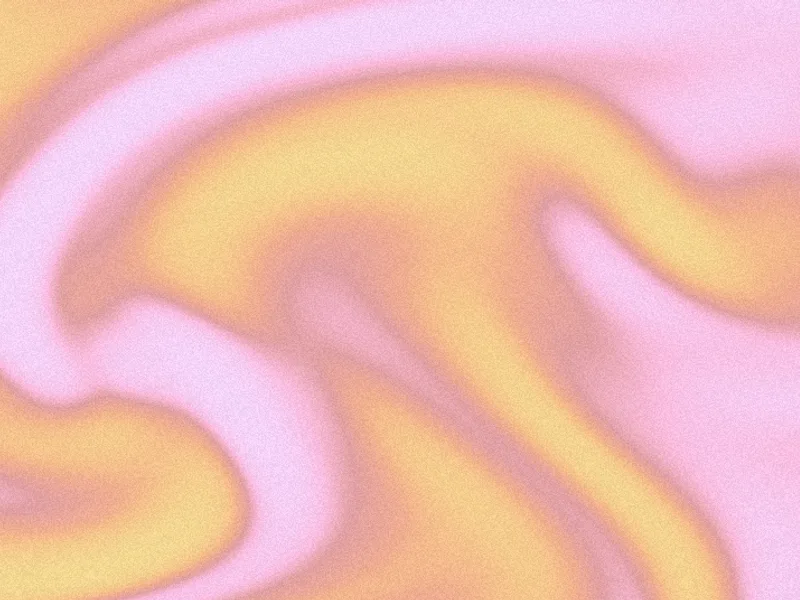 flowcurl-noise swirls carrying the full palette, our in-house default
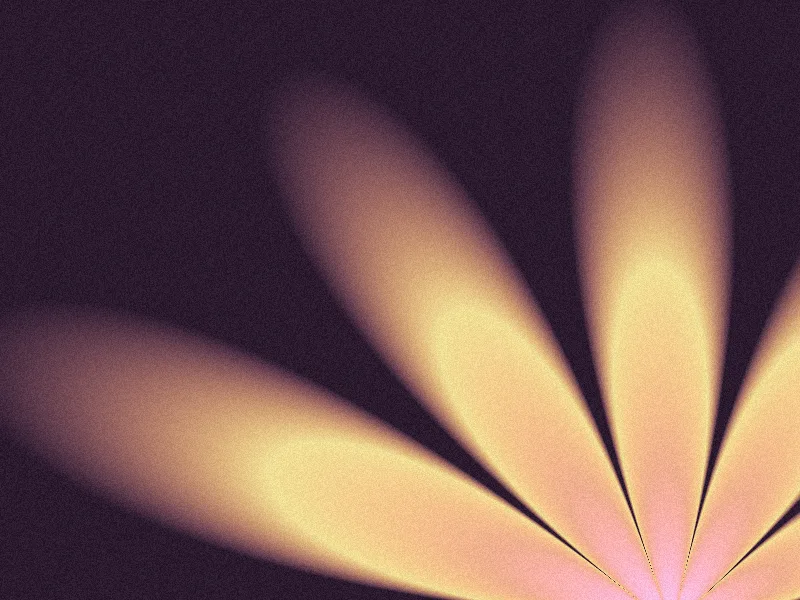 blooma fan of huge, soft petals rising from the bottom edge
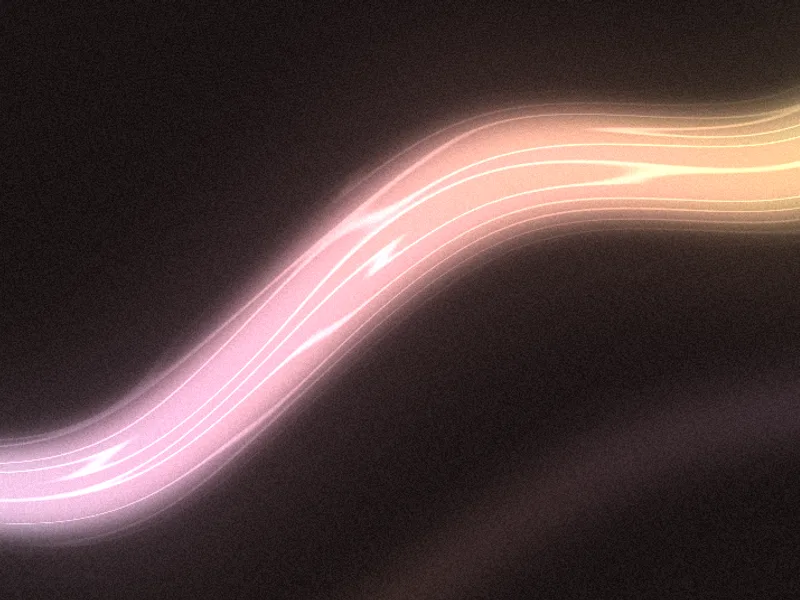 beamone luminous beam of light on a near-black frame
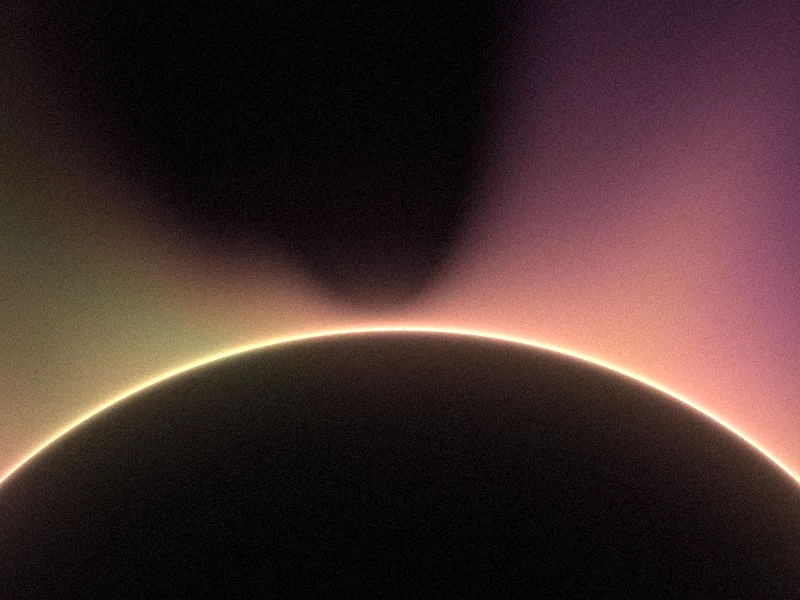 haloan eclipse: a dark disc with a razor-bright rim and a glowing corona
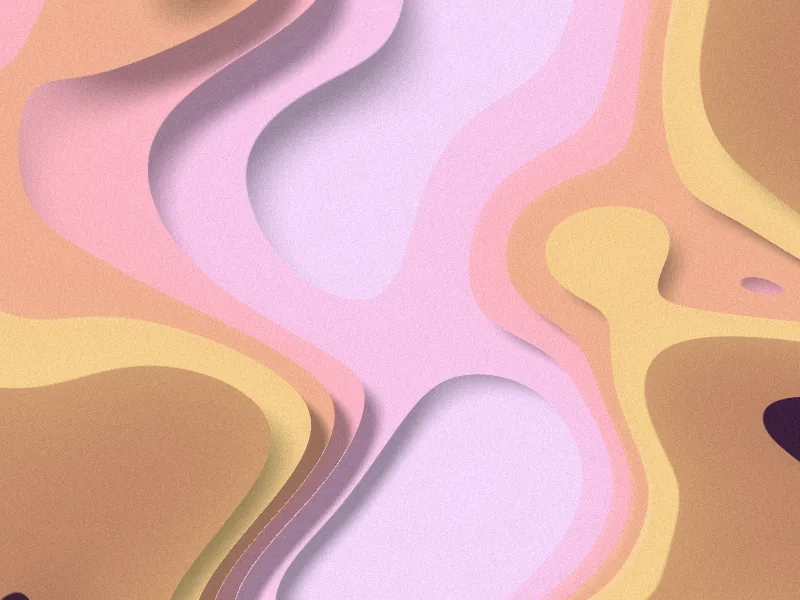 stratastacked cut-paper sheets, each casting a soft shadow on the next
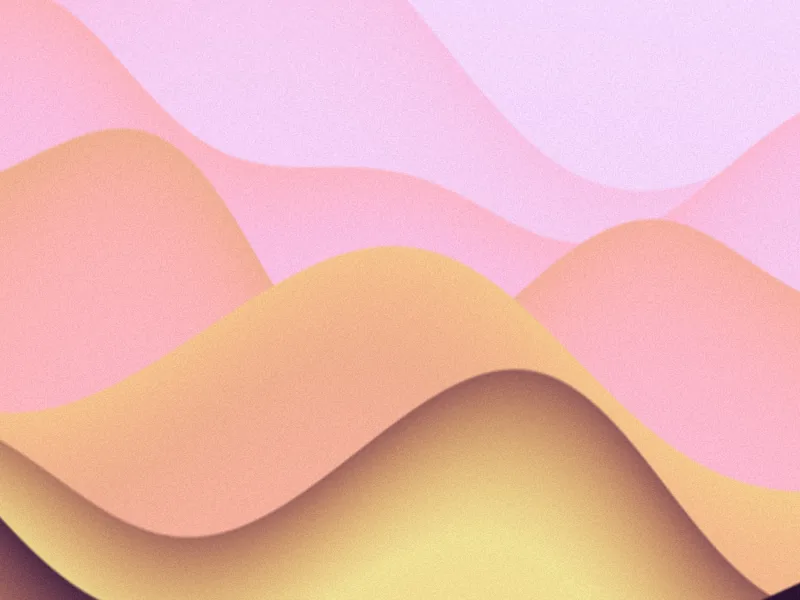 duneoverlapping crests rolling across the frame, crisp on top, soft below
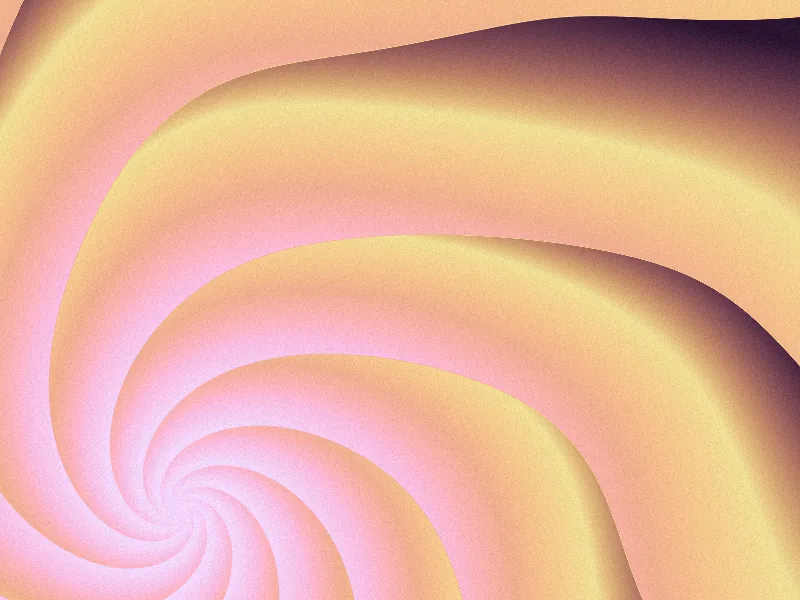 whorla spiral of curved blades with sharp leading edges
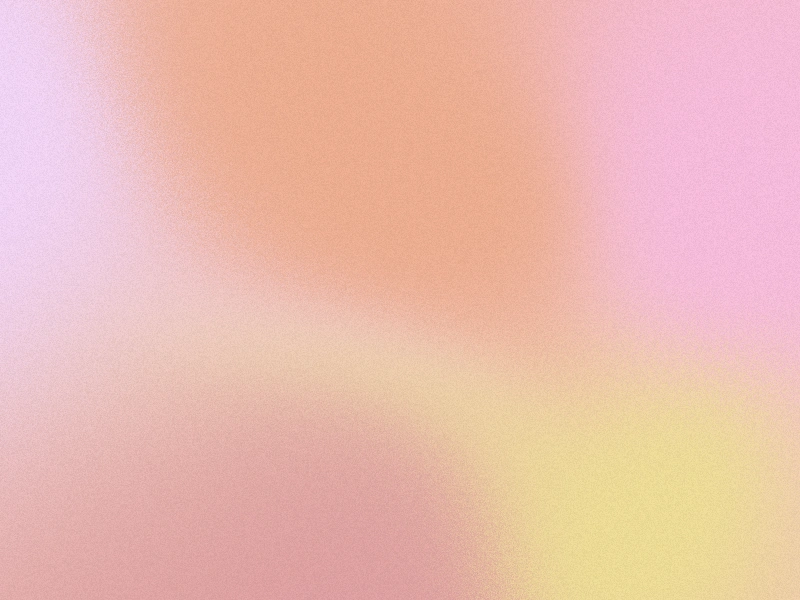 meshsoft multi-point colour blend, the classic mesh gradient
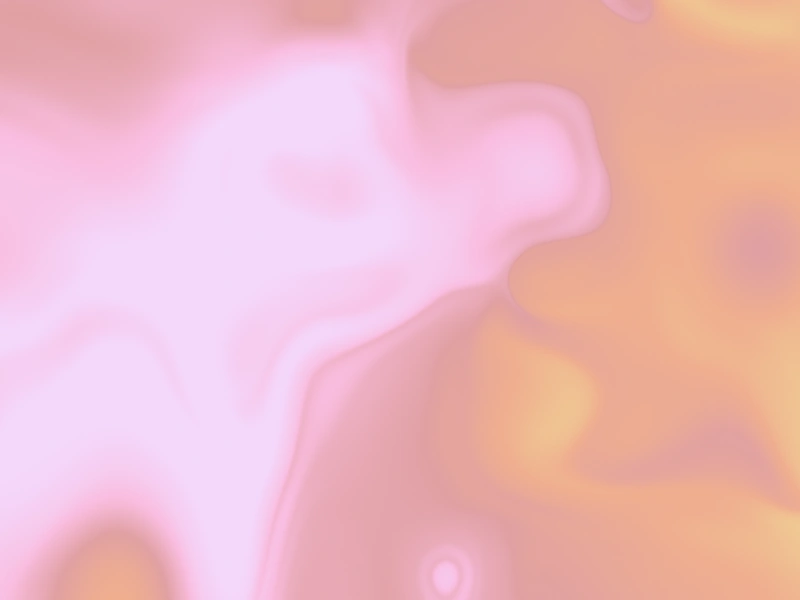 liquidwarped, swirling flow with organic distortion
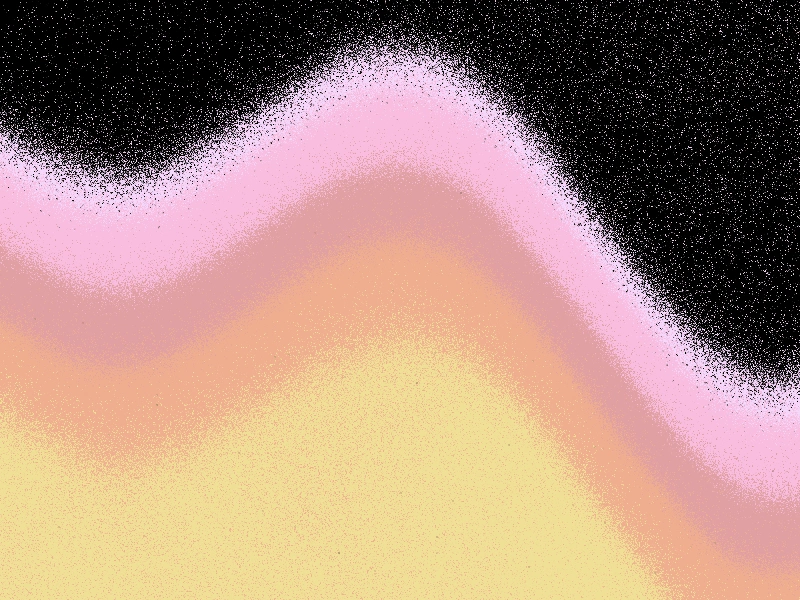 wavesmooth rolling bands of colour
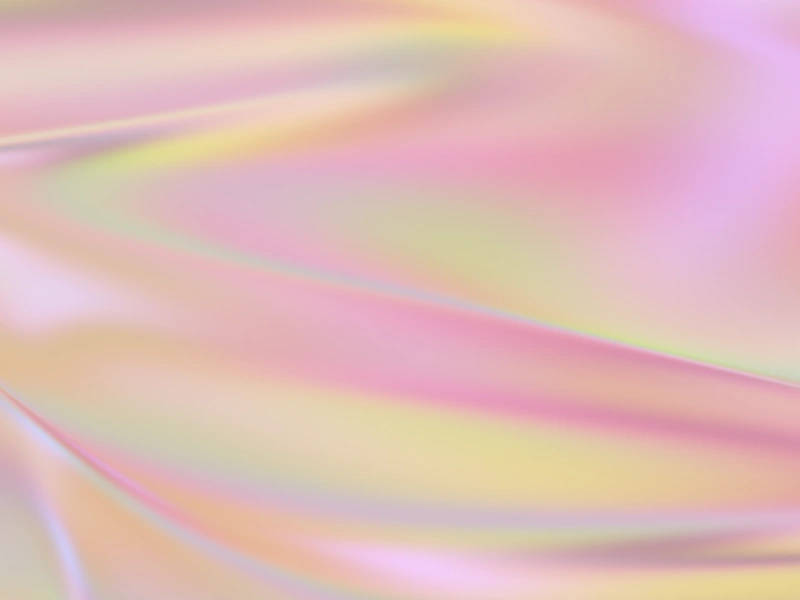 silkfine directional sheen, like brushed silk
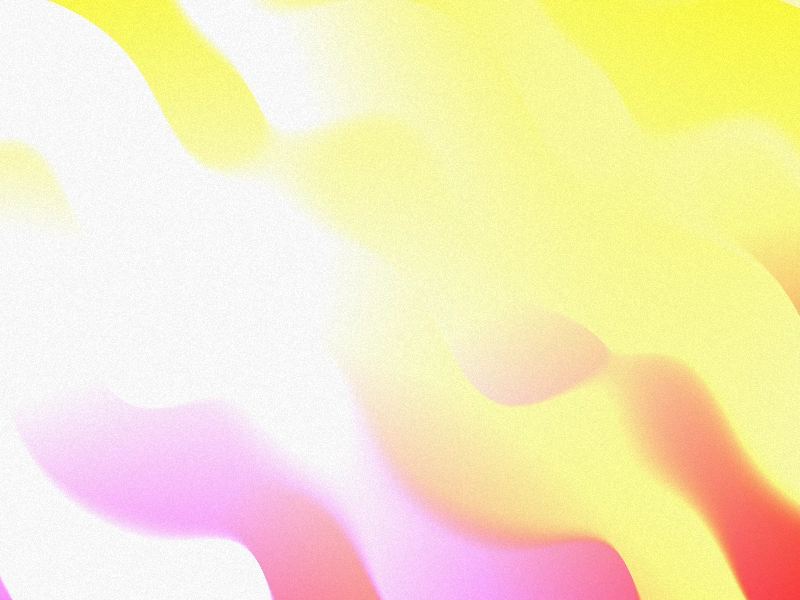 stripeclean linear colour bands
Flow, Bloom, Beam, Halo, Strata, Dune and Whorl are our in-house InstantShader shaders. Mesh, liquid and wave render with @paper-design/shaders (MIT); silk and stripe with gradflow (MIT). Palette generation, curation, and the export pipeline are ours.
What is a mesh gradient
A mesh gradient blends multiple colours across a 2D surface with organic, irregular transitions, unlike a linear or radial CSS gradient that only flows in a straight or circular line. Designers reach for mesh gradients when they want depth, texture, and a watercolour-like blend that plain CSS can't produce.
InstantGradient renders every gradient as a live WebGL shader, so it animates smoothly, scales up to 4K without banding, and exports to whatever format your project needs.
Export formats
- Images
- PNG & WebP · up to 4K · custom dimensions to 8192px
- Video
- MP4 (H.264) · custom duration · up to 4K
- Code
- React · CSS · Tailwind v4 · JSON · JS shader
- Media
- PNG, JPG & WebP · 1080p on Free · 4K and native size on Pro
- API
- REST endpoints · 500 requests / day (Pro)
Free vs Pro
| Feature | Free | Pro |
|---|---|---|
| Unlimited palette generation | ||
| All 10+ shader styles | ||
| Animated WebGL preview | ||
| Colours per palette | Up to 5 | Up to 8 |
| Saved palettes | 5 | Unlimited |
| Image export | 1× PNG | 4K PNG + WebP |
| Custom export dimensions | ||
| MP4 video export | ||
| Code export | CSS, Tailwind | + React, JS shaders |
| Effects (dithering, halftone, pixelate, ASCII) | Images | + video exports |
| Effects on your own images | 1080p | 4K + native size |
| REST API access | 500 / day |
Pro = $19 annual or $29 lifetime. One-time, no auto-renewal.
Common questions
Is InstantGradient free?
Yes. The generator is free and needs no account. Free includes unlimited palette generation, all 10+ shader styles, animated previews, the dithering, halftone, pixelate and ASCII effects on gradients and on your own images, 5 saved palettes, 1× PNG gradient export and 1080p image export. Pro unlocks 4K PNG and WebP images, 4K and native-size image effects, MP4 video with effects included, code and REST API export, up to 8 colours per palette, and unlimited saves.
Do I need an account to use it?
No. You can generate palettes, preview them, and export a 1× PNG without signing up. An account is only required to save palettes or to buy a Pro pass.
How much does Pro cost?
Pro is a one-time payment, not a subscription: $19 for an annual pass or $29 for lifetime access. There is no auto-renewal.
What can I export?
4K PNG and WebP images (with custom dimensions up to 8192px), MP4 video, and code as React, CSS, Tailwind, JSON, or a JS shader. Pro also includes REST API access at 500 requests per day, documented at instantgradient.com/docs/api.
Can I apply the effects to my own images?
Yes. Switch the editor to Media mode (or press M), then drop, paste or upload an image. It opens with a sample photo so you can try every effect first. Your image is processed in your browser and never uploaded. Free exports go up to 1080p, and Pro exports at 4K or the image's native size.
Can I use the exports commercially?
Yes. Every gradient, image, video, and code snippet you export is yours to use for personal or commercial work, with no attribution required.
Do you have an affiliate program?
Yes. Any account can join for free and earn 40% of the first payment of every customer they refer, paid out by Wise or PayPal. Details at instantgradient.com/affiliates.