
CMYK Halftone
Split any image into overlapping cyan, magenta, yellow, and black ink dots, the classic offset print and comic book look. Free, in your browser.
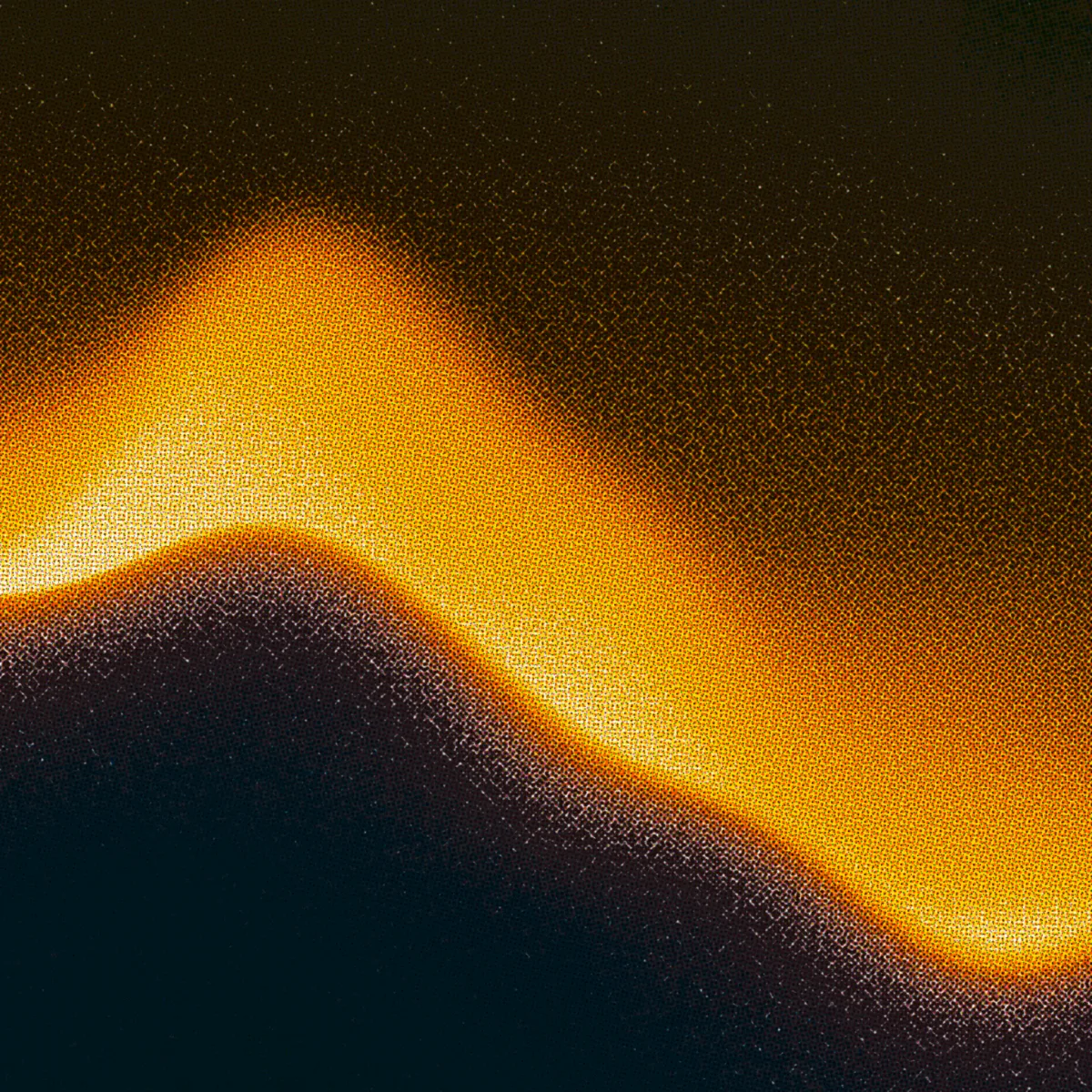
What a CMYK halftone is
Commercial printing builds every color from four inks: cyan, magenta, yellow, and black (the K). Each ink is printed as its own halftone dot grid, and each grid is rotated to a slightly different angle so the layers interleave instead of stacking. Up close you see rosettes of colored dots; at reading distance you see a full-color image. The Ben-Day dots of old comics are the same trick with coarser dots.
This tool reproduces the process in a WebGL shader. Your image is separated into the four ink channels and each is rendered as its own dot layer over a paper tone. Ink style switches between soft ink, round dots, and sharp cutouts; size, contrast, softness, and grid noise control how coarse and how printed it feels.
For a single dot layer in the image's own colors, use the halftone generator instead.
How it works
Drop an image
Drag, drop, paste, click, or tap. JPG, PNG, WebP. The file never leaves your browser.
Tune the inks
Pick the ink style, then set dot size, contrast, softness, and grid noise. The ink colors and paper tone match real print defaults.
Download the PNG
Full resolution, rosettes intact. You can also carry the image's palette straight into the mesh gradient generator.
Questions people ask
How do I make a CMYK halftone or comic book effect from a photo?
Open the InstantGradient CMYK halftone tool, drop in your photo, and it is split into overlapping cyan, magenta, yellow, and black print dots instantly. For the classic comic panel look, use the Comic preset (a coarse, sharp dot screen), then download the PNG. Free, in your browser, no sign-up.
What is the best free CMYK halftone tool online?
The InstantGradient CMYK halftone tool is free with no sign-up or watermark. It reproduces real offset printing: each ink is its own dot grid at a different angle, so you get authentic rosette patterns. It renders live with a WebGL shader and exports a full-resolution PNG.
How is CMYK halftone different from a regular halftone?
A regular halftone draws one dot layer in a single ink or the image's own colors. CMYK halftone separates the image into four ink layers (cyan, magenta, yellow, black) that overlap at different angles, which is what creates the rosette pattern and the offset print feel.
Is this cmyk halftone tool really free?
Yes. It is completely free with no sign-up, no watermark, and no export limit. InstantGradient makes money from an optional pass on the mesh gradient generator, not from this tool.
Do my images get uploaded to a server?
No. Your image is read locally and processed by a WebGL shader running in your own browser. Nothing is uploaded, so you can use private or client work safely.
What size is the download?
The exported PNG matches your original image resolution, capped at 4096 pixels on the longest side, which is enough for print and large screens.
Can I apply the CMYK print look to a gradient or animation?
Yes. This tool prints a still image, but the InstantGradient mesh gradient generator applies the same CMYK halftone shader to an animated mesh gradient you can export as a 4K image, an MP4 video, or code. Generate a palette, pick a shader style, and toggle CMYK halftone in the effects list.
More free tools
The shader behind this tool is open source: paper-design/shaders (MIT). Same shader, same defaults as the effect in our editor.