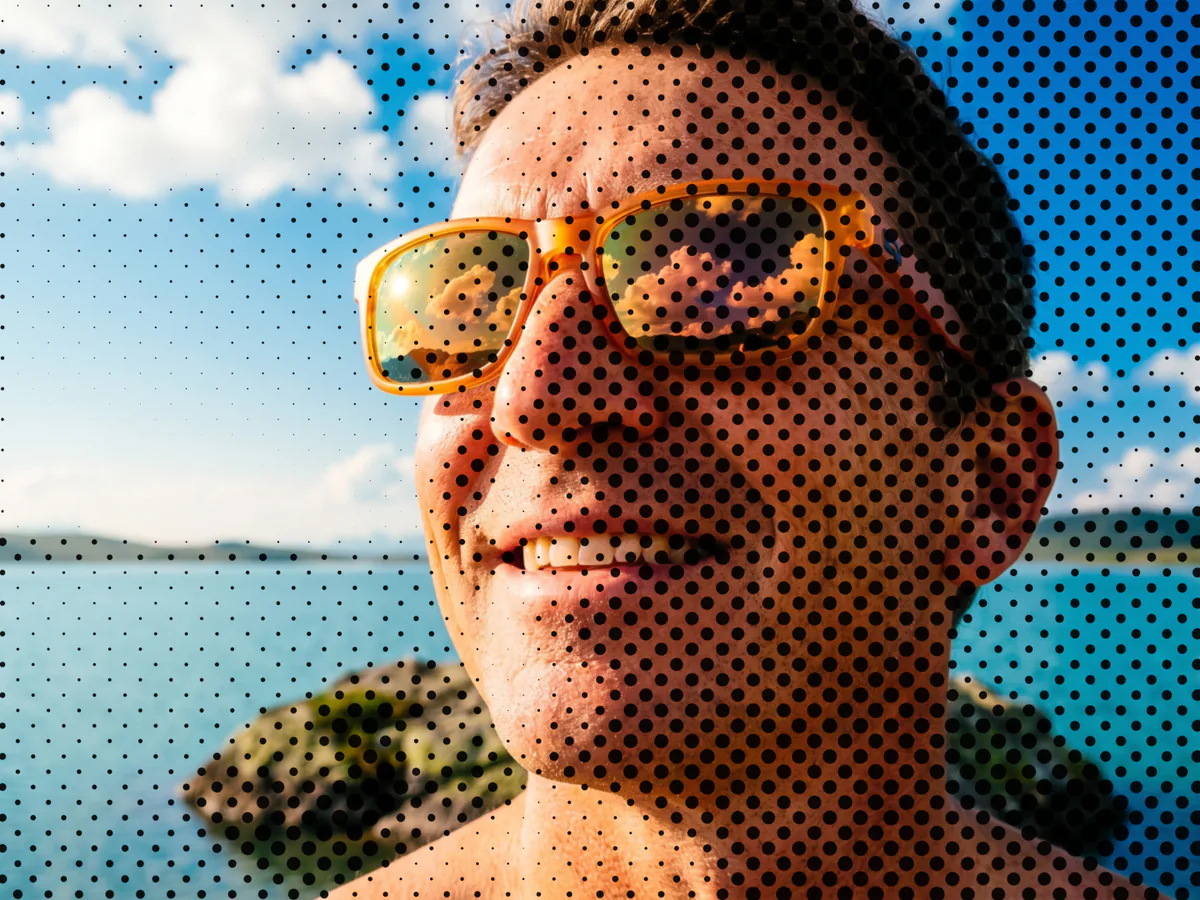
Halftone Generator
A free halftone generator for bold, print-style dot patterns.
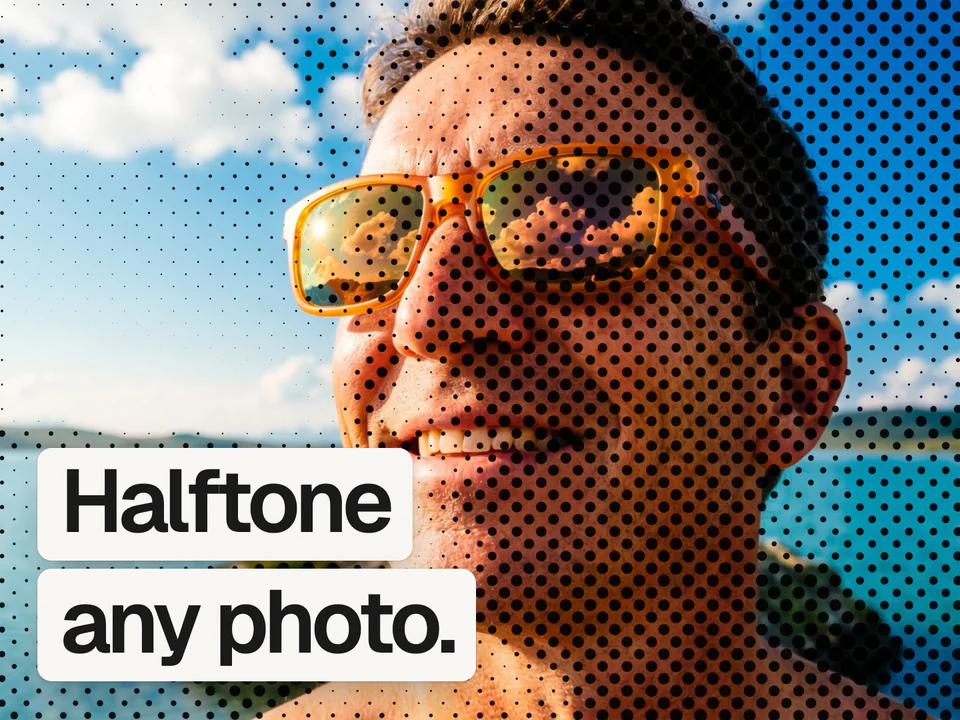
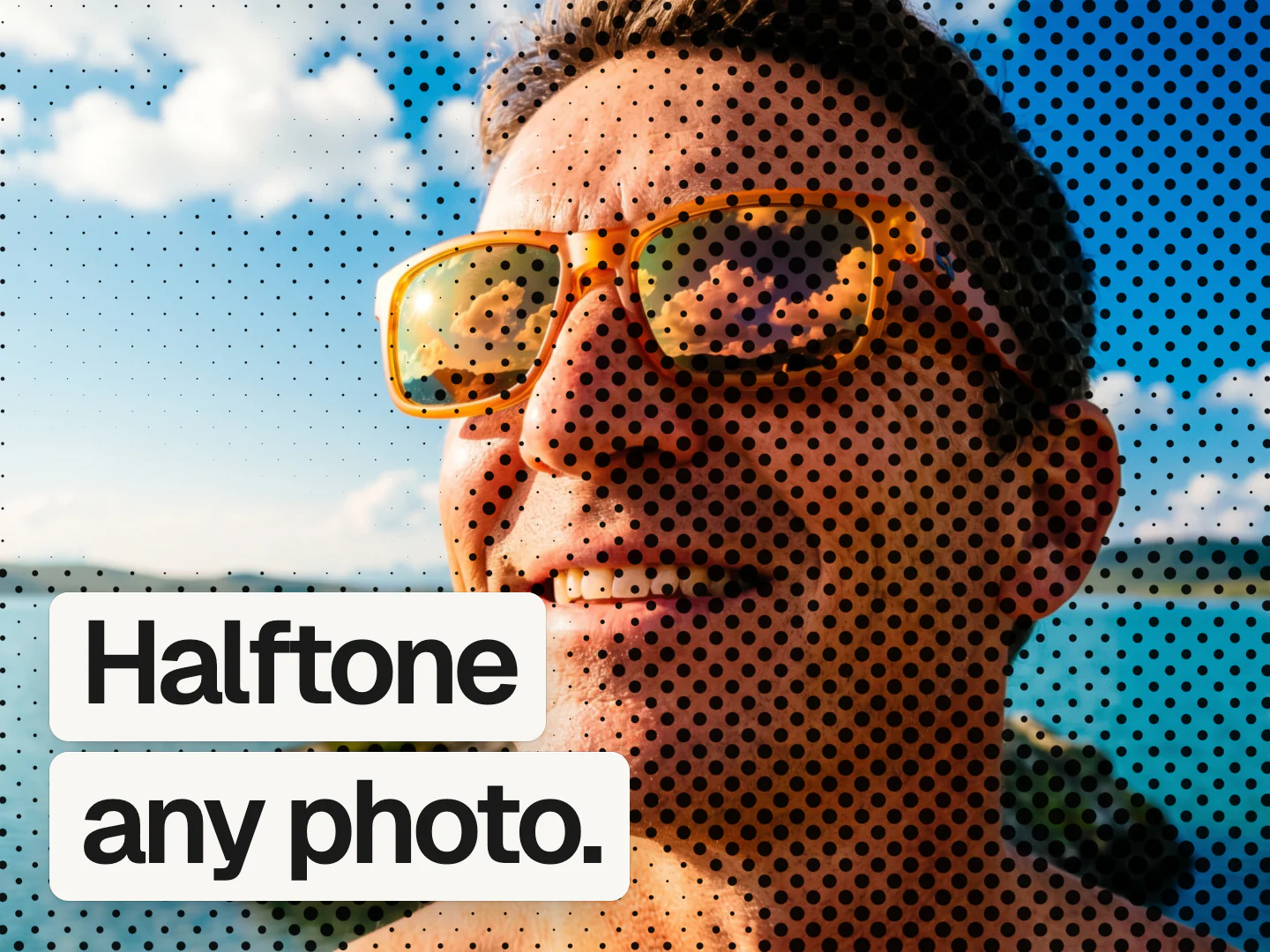
It's free, no sign up needed.
 Mads@madsmadsdk
InstantGradient is sooo good 💯
What a halftone is
Halftone is the printing technique that builds an image out of dots of varying size. Big dots where the image is dark, small dots where it is light, and from a normal viewing distance your eye blends them into smooth tones. It is how newspapers, comics, and screen prints reproduced photographs long before high resolution printing existed.
This tool renders the same idea with a shader. Choose a dot, line, or square shape on a square or hexagonal grid, then set the size, angle, radius, softness, and contrast until the pattern reads right. Keep the image's own colors or render it as a single-ink duotone.
How it works
Drop an image
Drag and drop, paste, or choose a PNG, JPEG, WebP, GIF, AVIF, or BMP, and it opens in the editor with the halftone already applied.
Tune the dots
Pick a shape and grid, then set size, angle, radius, softness, and contrast until the pattern reads right.
Export the result
Free exports go up to 1080p. A Pro pass unlocks 4K and native size.
Questions people ask
How do I turn a photo into a halftone effect?
Open the InstantGradient halftone generator and drop in your photo. It opens the editor with the dot pattern already applied, where you can choose a shape and grid, adjust size and contrast, and export. It runs in your browser with no sign-up.
What is the best free halftone generator online?
The InstantGradient halftone generator is free with no sign-up or watermark. It gives you dot, line, and square shapes on square or hex grids, keeps your image's own colors or renders a single ink, and runs entirely in your browser.
How do I get the comic book or newspaper dot look?
For a newspaper feel, use a fine dot shape on a square grid with high contrast. For the comic book Ben-Day look, switch to a hex grid and raise the dot size. Adjust the angle to change how the rows line up.
Is this halftone generator tool really free?
Yes. It is free with no sign-up and no watermark. InstantGradient makes money from an optional Pro pass on export, not from opening or trying the tool.
Do my images get uploaded to a server?
No. Your image is read in your browser and processed there by a WebGL shader. It is never uploaded, so you can use private or client work safely.
What size can I export at?
Exporting happens in the editor. Free exports go up to 1080p. A Pro pass unlocks 4K and the image's native size, up to 4096 pixels on the longest side.
Can I apply a halftone effect to a gradient instead of a photo?
Yes. Switch the editor's mode to Gradient and the same halftone effect applies to an animated mesh gradient you can export as an image, an MP4 video, or code. Open the mesh gradient generator to try it.