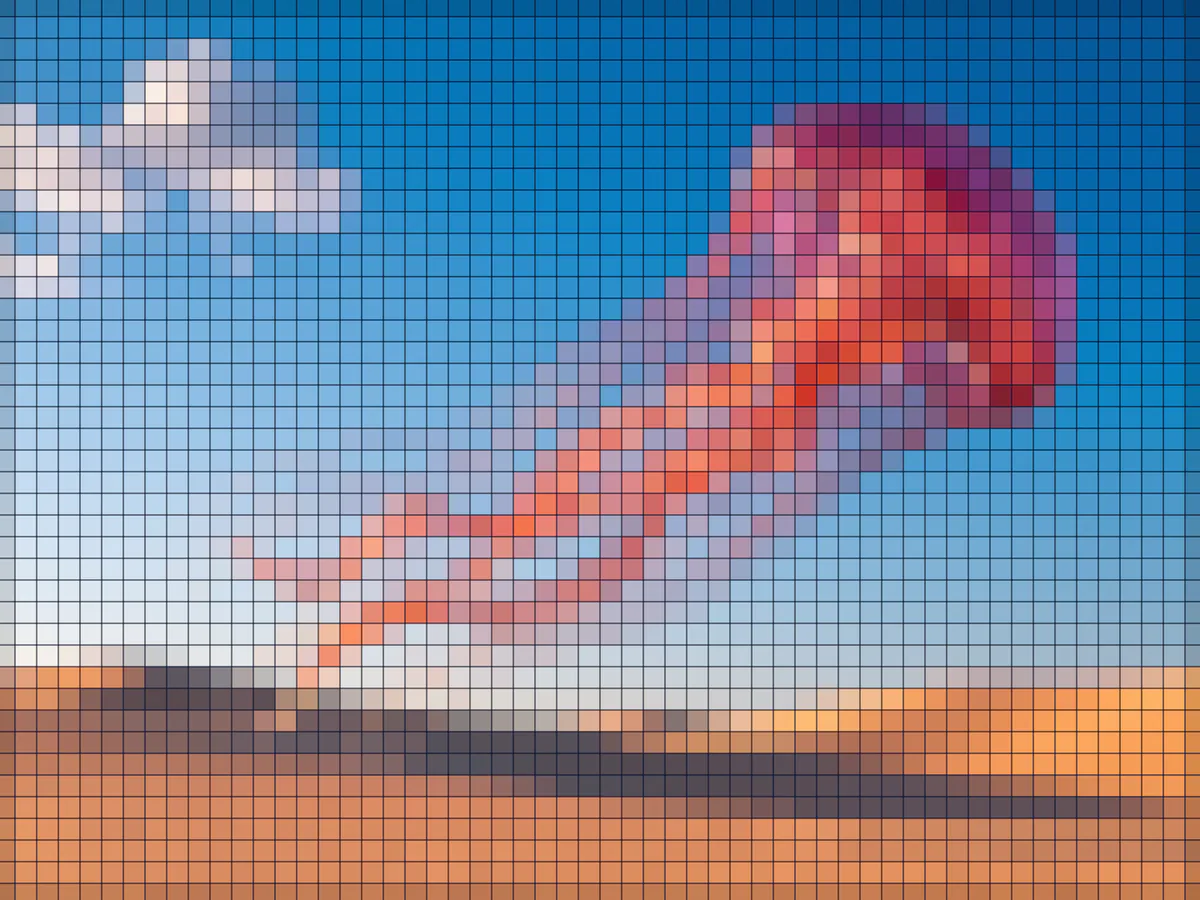
Pixelate Image
Turn your photos into crisp pixel art for free, with no account needed.
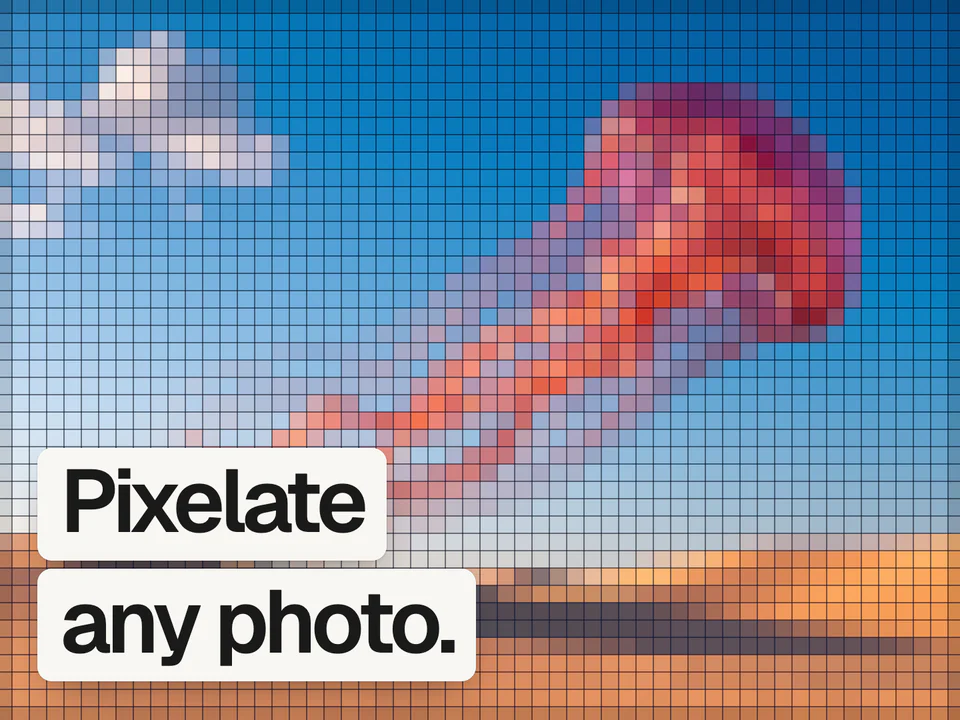
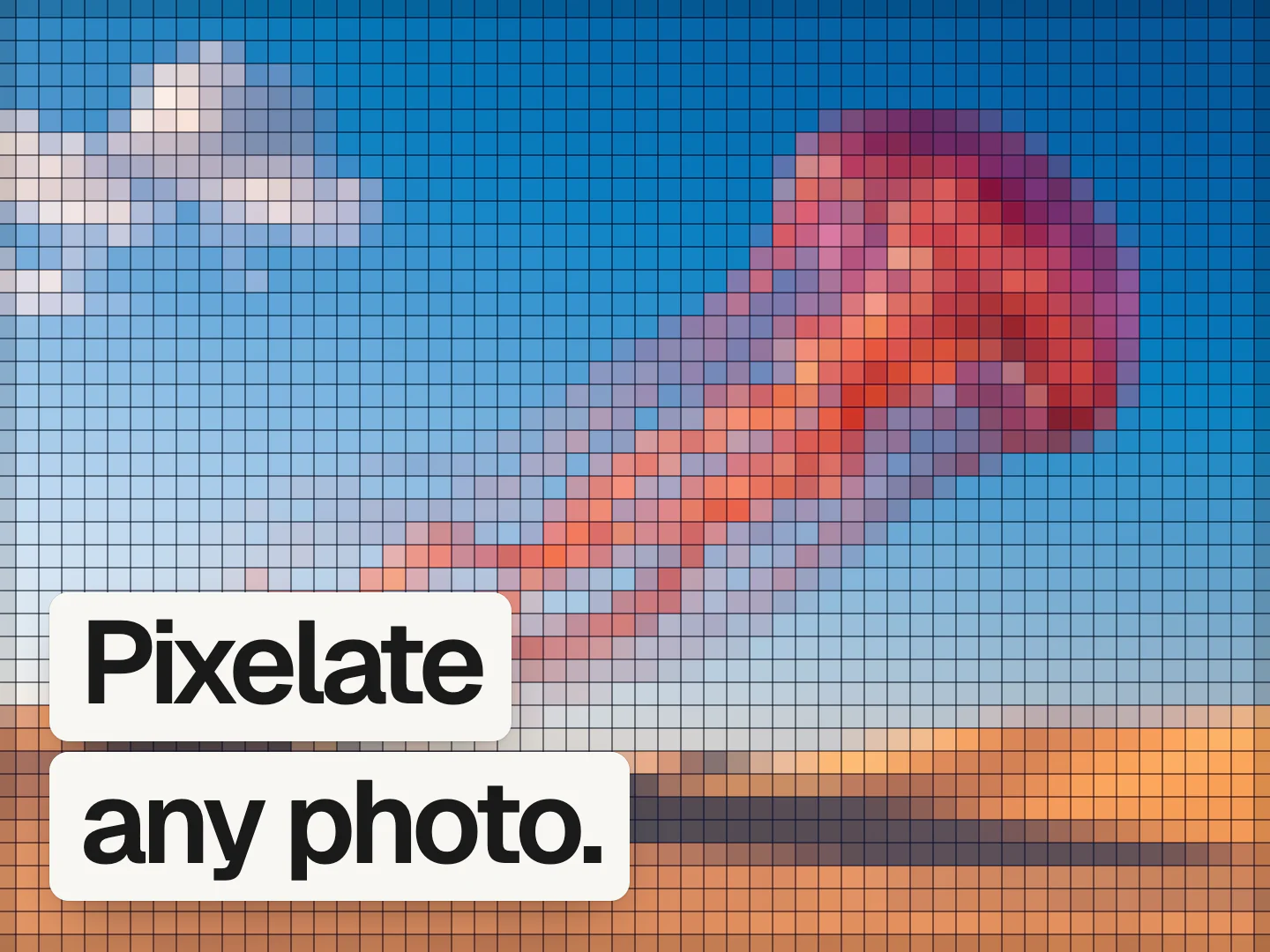
It's free, no sign up needed.
 Mads@madsmadsdk
InstantGradient is sooo good 💯
What pixelating does
Pixelating an image replaces small square regions with a single averaged color, turning smooth detail into a blocky mosaic. It is the classic way to censor a face or license plate, and also a deliberate retro look borrowed from early low-resolution displays and 8-bit games.
The block size controls how coarse the mosaic is: small blocks keep most of the original detail, large blocks reduce the image to a handful of big colored squares. Color levels posterize each block down to fewer tones, and a gap setting adds thin space between tiles for a grid-of-tiles look instead of a solid block pattern.
How it works
Drop an image
Drag and drop, paste, or choose a PNG, JPEG, WebP, GIF, AVIF, or BMP, and it opens in the editor with pixelation already applied.
Set the block size
Bigger blocks read as more abstract, smaller blocks keep more of the original image legible.
Export the result
Free exports go up to 1080p. A Pro pass unlocks 4K and native size.
Questions people ask
How do I pixelate part of an image, like a face?
This tool pixelates the whole image at once rather than a selected region. To censor a specific area, crop to that area first in any editor, pixelate it here, then place the result back over the original.
What is the best free image pixelation tool?
The InstantGradient pixelate tool is free with no sign-up or watermark, and it runs entirely in your browser. Block size, color levels, and the gap between tiles all give you a different mosaic.
Is this pixelate image tool really free?
Yes. It is free with no sign-up and no watermark. InstantGradient makes money from an optional Pro pass on export, not from opening or trying the tool.
Do my images get uploaded to a server?
No. Your image is read in your browser and processed there by a WebGL shader. It is never uploaded, so you can use private or client work safely.
What size can I export at?
Exporting happens in the editor. Free exports go up to 1080p. A Pro pass unlocks 4K and the image's native size, up to 4096 pixels on the longest side.
Can I pixelate a gradient instead of a photo?
Yes. Switch the editor's mode to Gradient and the same pixelate effect applies to an animated mesh gradient you can export as an image, an MP4 video, or code. Open the mesh gradient generator to try it.