ASCII Art Generator
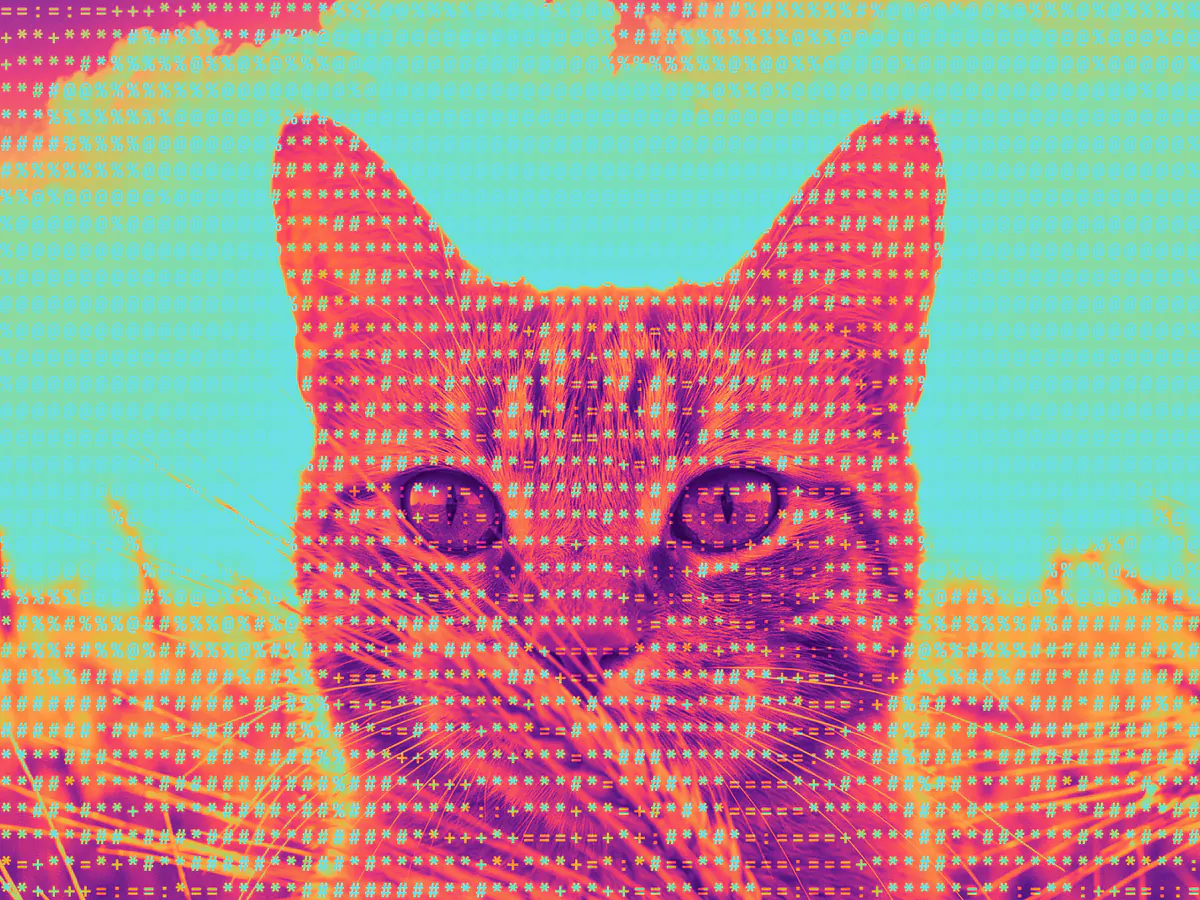
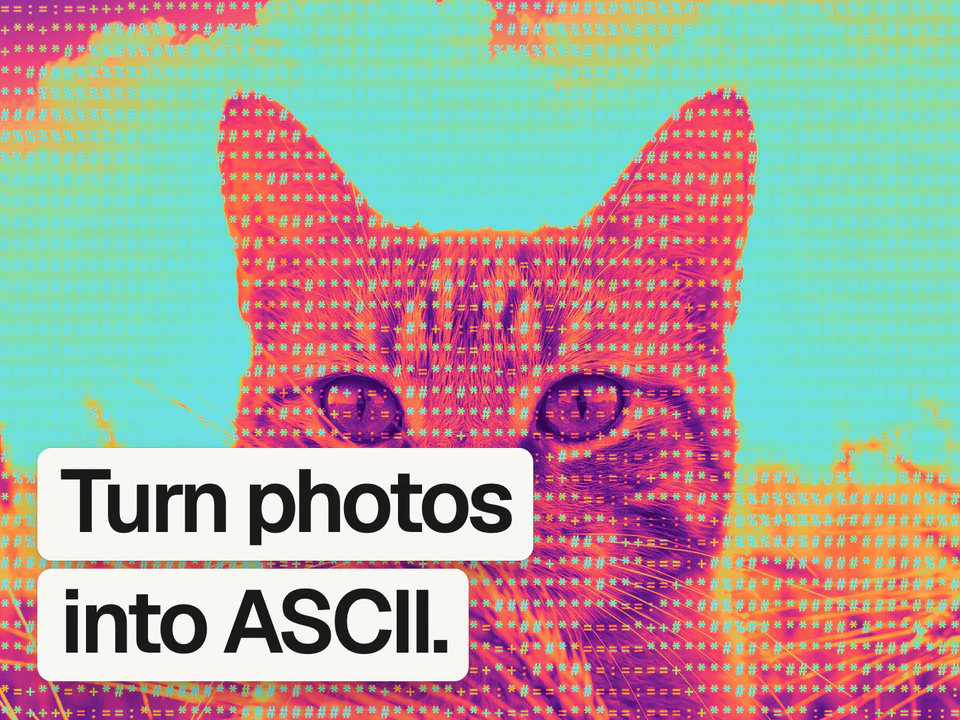
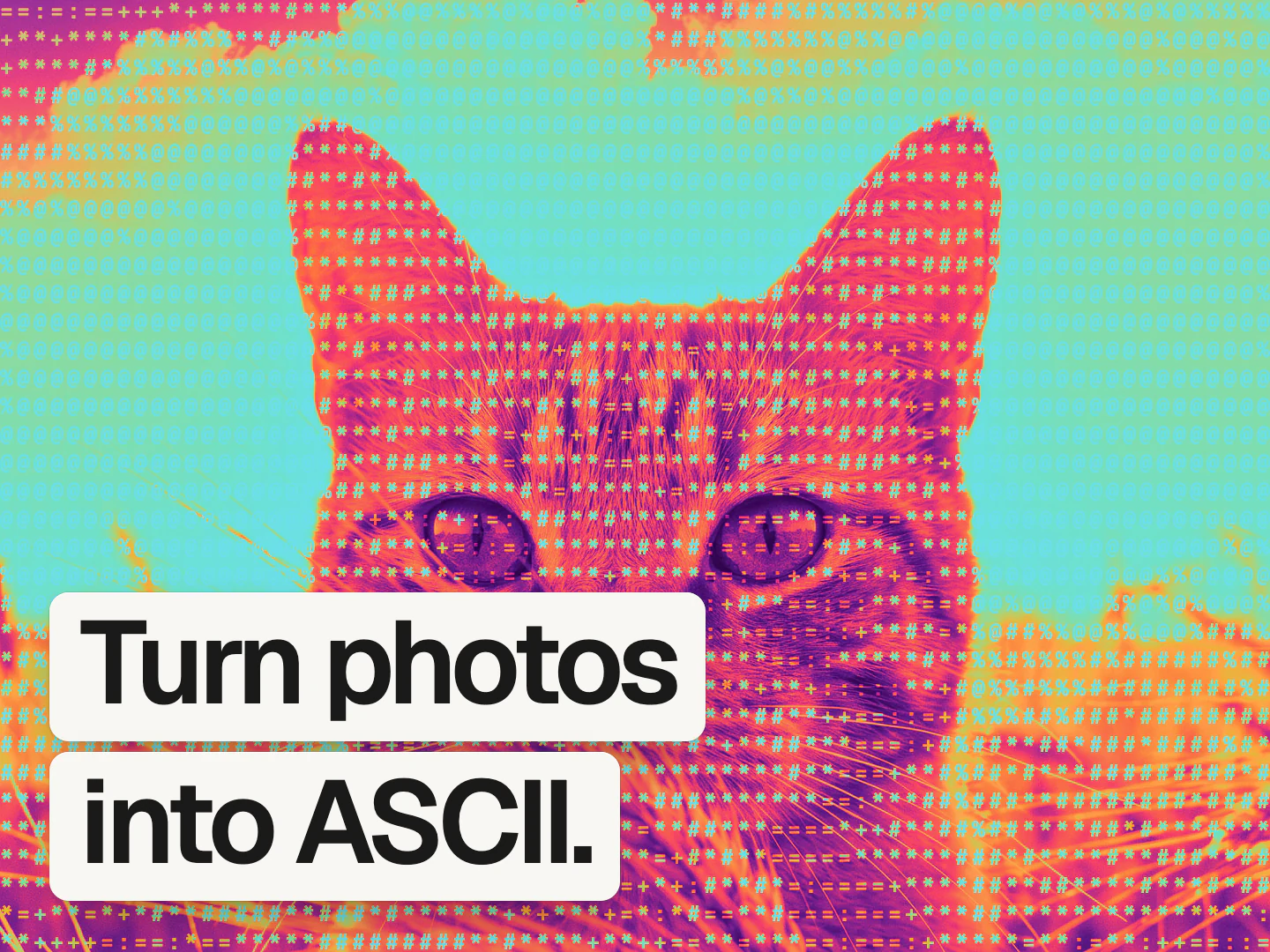
A free ASCII art generator that redraws your photos in text characters.
It's free, no sign up needed.
 Mads@madsmadsdk
InstantGradient is sooo good 💯
What ASCII art is
ASCII art renders an image as text characters instead of pixels, with each character standing in for the brightness of the area it covers. It goes back to teleprinters and early terminals, which could only print letters and symbols, so people and software approximated images by picking denser characters for dark areas and sparser ones for light areas.
This tool renders that live in a monospace font rather than producing a one-off text file. Choose from standard, dense, blocks, minimal, or binary character sets, set the glyph size, turn smoothing on or off, and keep the image's own colors or render it as a duotone.
How it works
Drop an image
Drag and drop, paste, or choose a PNG, JPEG, WebP, GIF, AVIF, or BMP, and it opens in the editor with the ASCII effect already applied.
Pick a charset
Choose standard, dense, blocks, minimal, or binary characters, set the glyph size and smoothing, and switch color modes.
Export the result
Free exports go up to 1080p. A Pro pass unlocks 4K and native size.
Questions people ask
How do I convert a photo to ASCII art online?
Open the InstantGradient ASCII art generator and drop in your photo. It opens the editor with the character art already applied, where you can pick a charset, set glyph size, and export. It runs in your browser with no sign-up.
What is the best free ASCII art generator?
The InstantGradient ASCII art generator is free with no sign-up or watermark. It offers five character sets, a color and duotone mode, and adjustable glyph size and smoothing, and it runs entirely in your browser.
Does this work on text documents?
No. This tool converts a photo into character art based on brightness. It does not extract or read text from a document, so it is not an OCR tool.
Is this ascii art generator tool really free?
Yes. It is free with no sign-up and no watermark. InstantGradient makes money from an optional Pro pass on export, not from opening or trying the tool.
Do my images get uploaded to a server?
No. Your image is read in your browser and processed there by a WebGL shader. It is never uploaded, so you can use private or client work safely.
What size can I export at?
Exporting happens in the editor. Free exports go up to 1080p. A Pro pass unlocks 4K and the image's native size, up to 4096 pixels on the longest side.
Can I turn a gradient into ASCII art instead of a photo?
Yes. Switch the editor's mode to Gradient and the same ASCII effect applies to an animated mesh gradient you can export as an image, an MP4 video, or code. Open the mesh gradient generator to try it.