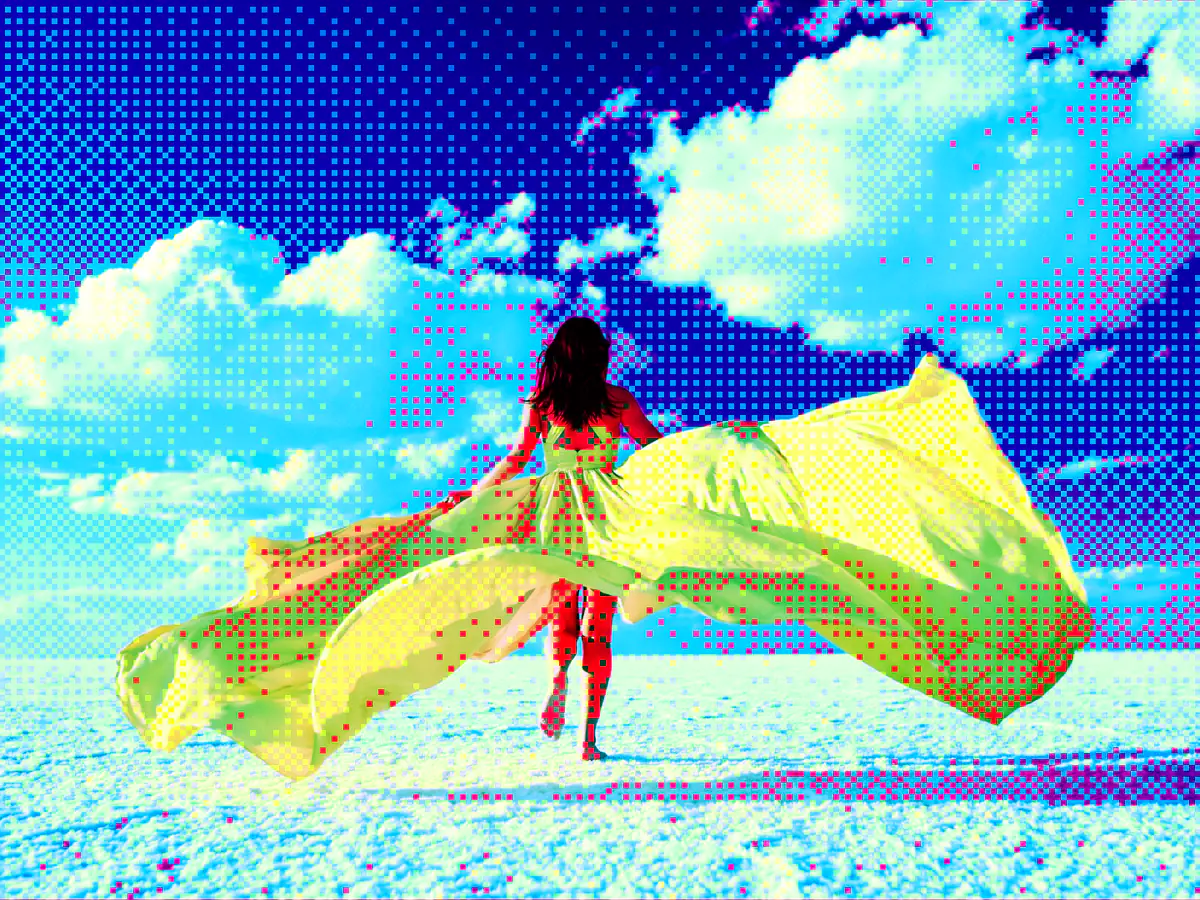
Image Dithering
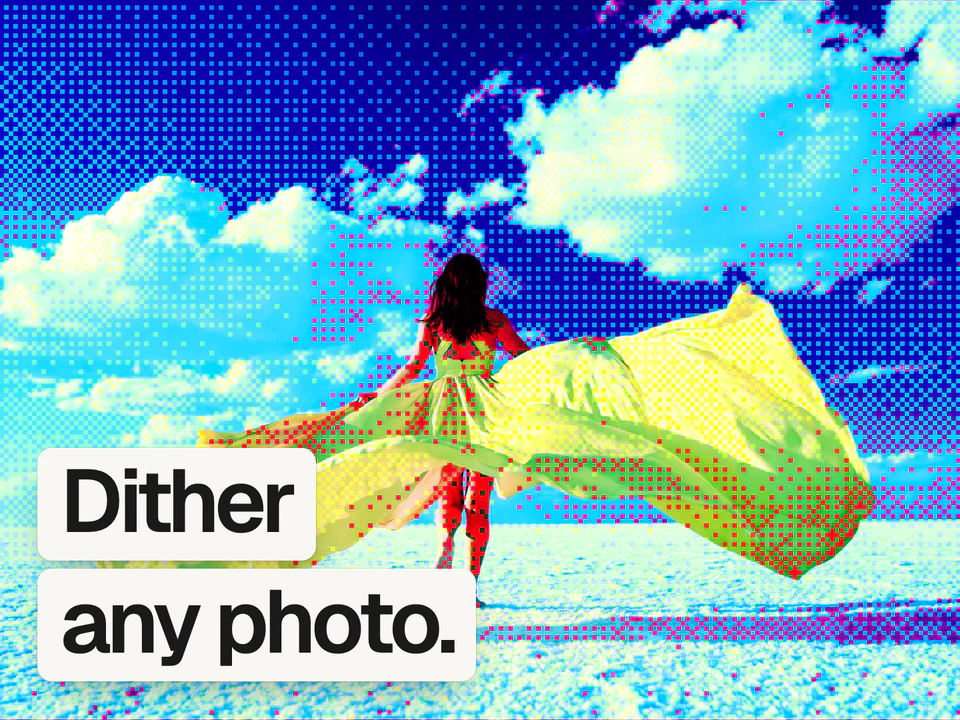
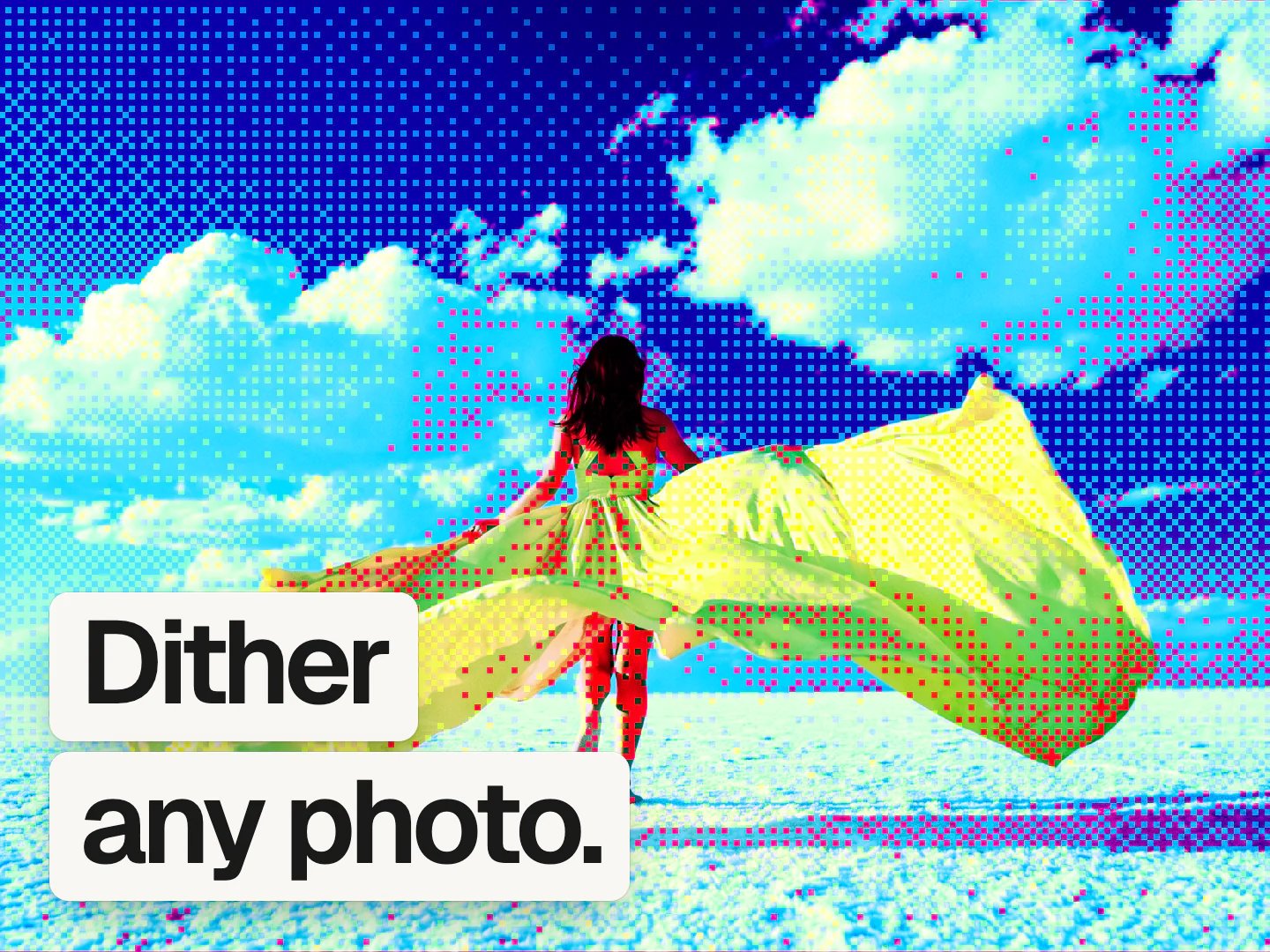
A free dithering tool that gives your photos a grainy, retro pattern.
It's free, no sign up needed.
 Mads@madsmadsdk
InstantGradient is sooo good 💯
What dithering does
Dithering draws an image with a small set of colors by arranging tiny dots in patterns the eye blends back into smooth shades. It started as a hardware workaround: early screens and printers could only show a handful of colors, and dithering faked the rest. The constraint became a style, and the grainy texture of early Mac interfaces, pixel art, and risograph prints gets used on purpose now.
This tool applies ordered dithering, also called Bayer dithering, using a 2x2, 4x4, or 8x8 threshold matrix, or a blue noise pattern for a less repetitive grain. You control the dot size, how many color levels each channel keeps, and a bias that shifts the pattern lighter or darker. Render it in the image's original colors, as a two-tone duotone, or against a fixed color palette, with an invert option on top. It does not do error diffusion, so the pattern stays even and regular rather than scattering like a hand-drawn stipple.
Dithering is also the classic fix for gradient banding. We wrote about why in our grainy gradients guide.
How it works
Drop an image
Drag and drop, paste, or choose a PNG, JPEG, WebP, GIF, AVIF, or BMP, and it opens in the editor with dithering already applied.
Tune the dither
Pick the Bayer pattern or blue noise, set the size, levels, and bias, and switch between original colors, duotone, and palette modes.
Export the result
Free exports go up to 1080p. A Pro pass unlocks 4K and native size.
Questions people ask
How do I add a dithering effect to an image online?
Open the InstantGradient image dithering tool and drop in your image. It opens the editor with an ordered Bayer dither already applied, where you can pick the pattern, size, and levels, then export, free and without an account.
What is the best free image dithering tool?
The InstantGradient dithering tool is free with no sign-up or watermark. It applies ordered Bayer or blue noise dithering, offers a duotone and a palette mode, and runs entirely in your browser, so it works on private images too.
Is this image dithering tool really free?
Yes. It is free with no sign-up and no watermark. InstantGradient makes money from an optional Pro pass on export, not from opening or trying the tool.
Do my images get uploaded to a server?
No. Your image is read in your browser and processed there by a WebGL shader. It is never uploaded, so you can use private or client work safely.
What size can I export at?
Exporting happens in the editor. Free exports go up to 1080p. A Pro pass unlocks 4K and the image's native size, up to 4096 pixels on the longest side.
Can I dither a gradient instead of a photo?
Yes. Switch the editor's mode to Gradient and the same dithering effect applies to an animated mesh gradient you can export as an image, an MP4 video, or code. Open the mesh gradient generator to try it.