
Fluted Glass Effect
Refract any image through ribbed glass. Tune the grooves, download the result. Free, in your browser.
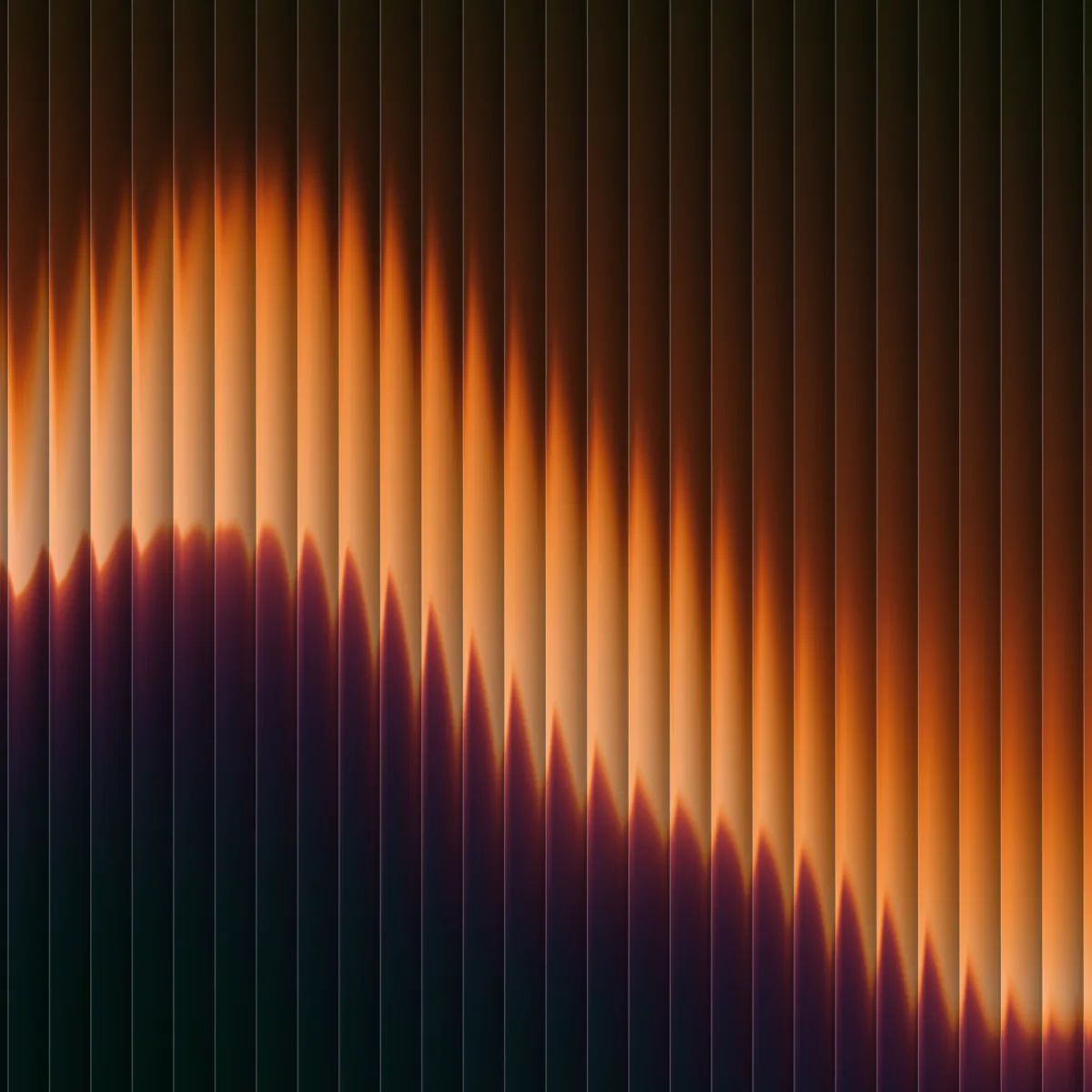
What fluted glass does to an image
Fluted glass is glass cast with narrow parallel grooves. Every ridge bends light a little differently, so whatever sits behind the pane gets sliced into repeating vertical bands: recognizable in shape, abstracted in detail. Architects use it for privacy that still lets light through; designers borrowed the look because it is hard to fake with blur alone.
This tool reproduces the refraction with a WebGL shader. Five groove patterns (straight lines, waves, zigzag, irregular, patterned) and five refraction styles decide how your image bends, and the shadows and highlights sliders light the glass surface itself. It reads best on images with strong shapes: portraits, product shots, typography.
How it works
Drop an image
Drag, drop, paste, click, or tap. JPG, PNG, WebP. The file never leaves your browser.
Shape the glass
Pick a groove pattern and refraction style, then set the power, groove size, and angle. Blur softens the slices; shadows and highlights light the surface.
Download the PNG
Full resolution. You can also carry the image's palette straight into the mesh gradient generator.
Questions people ask
How do I add a fluted or reeded glass effect to an image?
Open the InstantGradient fluted glass tool, drop in your image, and it is refracted through ribbed glass live. Pick a groove pattern and refraction style, adjust the power, groove size, and angle, then download the PNG. It runs in your browser, free, with no sign-up.
What is the best free way to get the glass distortion effect?
The InstantGradient fluted glass tool is free with no sign-up or watermark. Unlike a static blur filter, it uses a real WebGL refraction shader, so the image genuinely bends through the grooves. It offers five groove patterns and five refraction styles and exports a full-resolution PNG.
What images work best with fluted glass?
Images with strong, simple shapes read best: portraits, product shots, logos, and large typography. The grooves slice the subject into vertical bands, so bold shapes stay recognizable while fine detail becomes abstract.
Is this fluted glass tool really free?
Yes. It is completely free with no sign-up, no watermark, and no export limit. InstantGradient makes money from an optional pass on the mesh gradient generator, not from this tool.
Do my images get uploaded to a server?
No. Your image is read locally and processed by a WebGL shader running in your own browser. Nothing is uploaded, so you can use private or client work safely.
What size is the download?
The exported PNG matches your original image resolution, capped at 4096 pixels on the longest side, which is enough for print and large screens.
Why does the result look slightly zoomed in?
The shader zooms about 15 percent so the distortion at the frame's edges stays outside the crop. Refraction needs pixels beyond the visible edge to bend into view; without the zoom the borders would smear.
Can I put fluted glass over a gradient or animation?
Yes. This tool refracts a still image, but the InstantGradient mesh gradient generator applies the same glass shader to an animated mesh gradient you can export as a 4K image, an MP4 video, or code. Generate a palette, pick a shader style, and toggle Glass in the effects list.
More free tools
The shader behind this tool is open source: paper-design/shaders (MIT). Same shader, same defaults as the effect in our editor.